frankie’s highlights of Adobe MAX 2026

Creative chats, ace advice and a slew of new innovations took place in Miami, Florida.
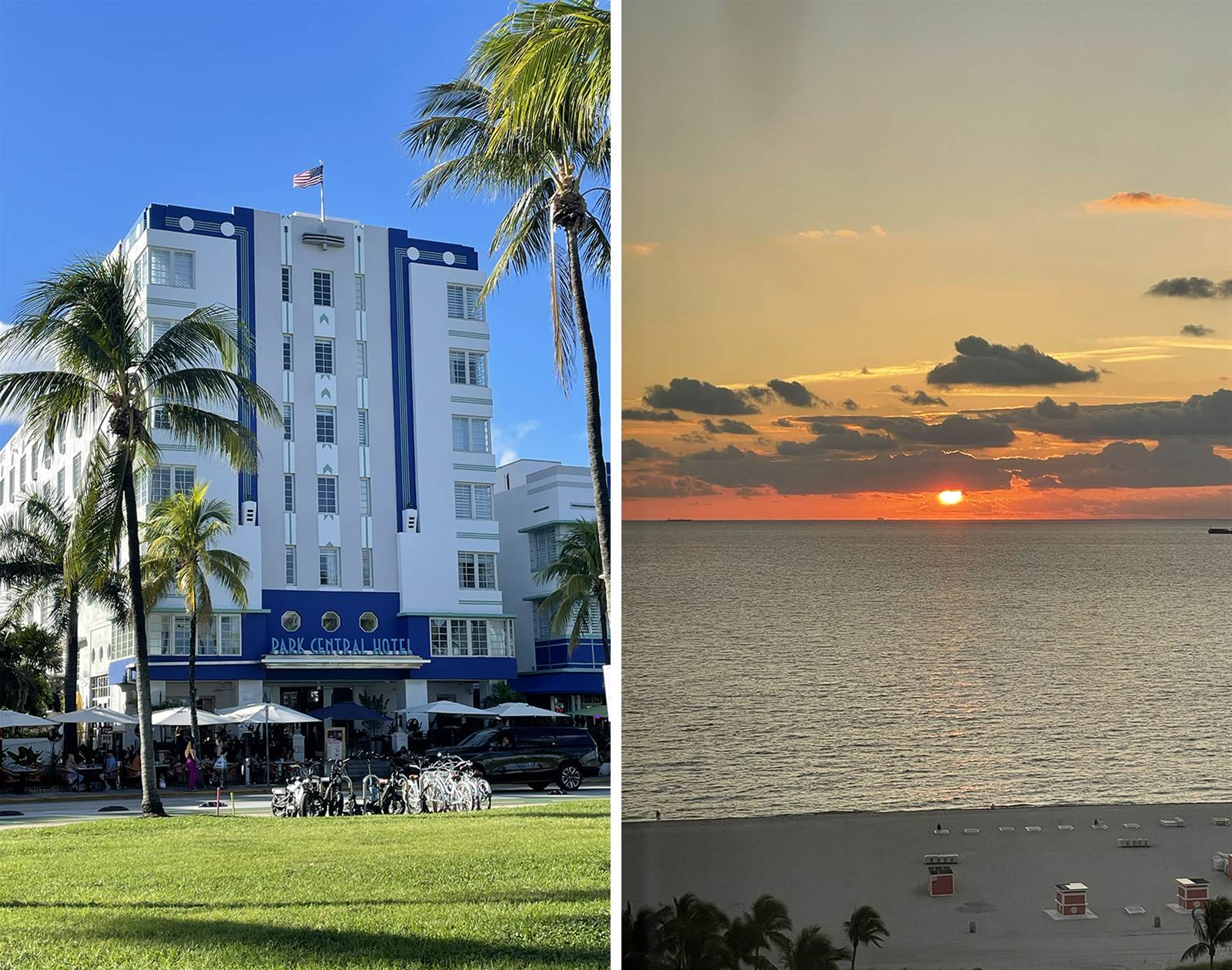
 My three days in Miami for Adobe MAX brought with it plenty of sunshine, a bucketload of chinwags and some swish new software advancements (plus fun Adobe sneak peeks). From Misha Spice to Jonathan Anderson, there were more than a few cool cats roaming around the Miami Convention Centre, ready to hand out advice to fellow creatives. While I kept my plate full of a bunch of interviews with rad designers, illustrators and artists – as well as keynote presentations to learn about all the new stuff Adobe is cooking up for us – I also had the chance to check out what else Miami had to offer. (Spoiler alert: nothing but sunrises over the ocean, yummo Cuban food, walks along the beach and super-high energy.) Have a squiz at some of my highlights from the conference below.
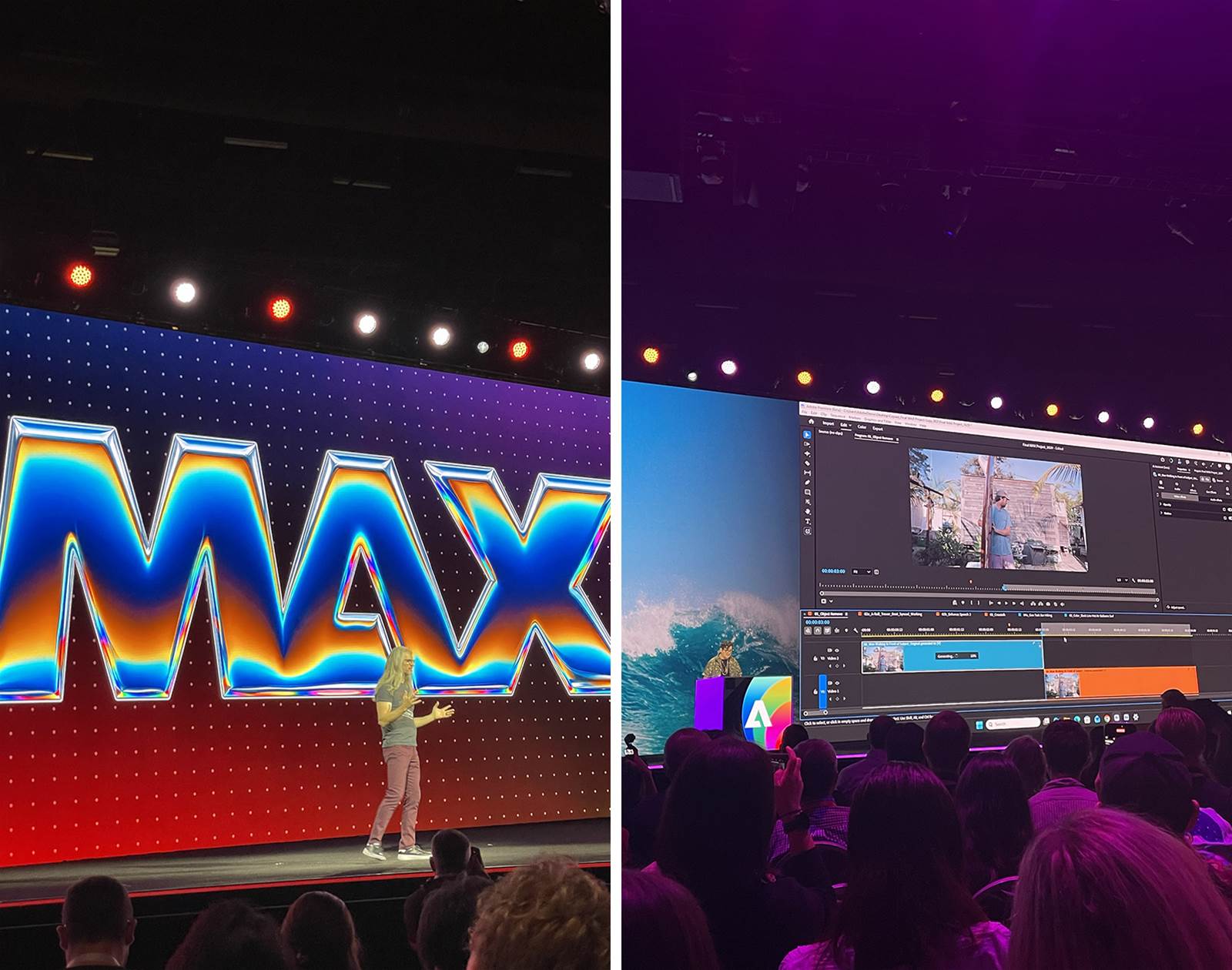
 NEW COLOUR MODE The opening keynote featured a bunch of new stuff to get our mitts on in Adobe Creative Cloud. We got a demonstration of how to remove unwanted elements from videos on Premiere Pro – like a stray crew member cutting across camera – thanks to Generative Remove (beta), as well as an introduction to the brand-spanking-new Colour Mode feature. For content creators and filmmakers, Colour Mode makes it easy to get all your editing and colour grading done in one nifty program. AI Assistant upgrades in Illustrator takes the tedious work out of the design process while still leaving you with the power to create – for example, instead of applying a specific feature to each of your 50 strokes individually, the AI Assistant helps you do it all at once. Plus, a demonstration of Firefly Boards in combination with Photoshop showed us how easy it is to composite images and adjust the artwork with Rotate Object, Relight and Generative Fill – all of which were then brought to life through a vibrant animation in Firefly Video.
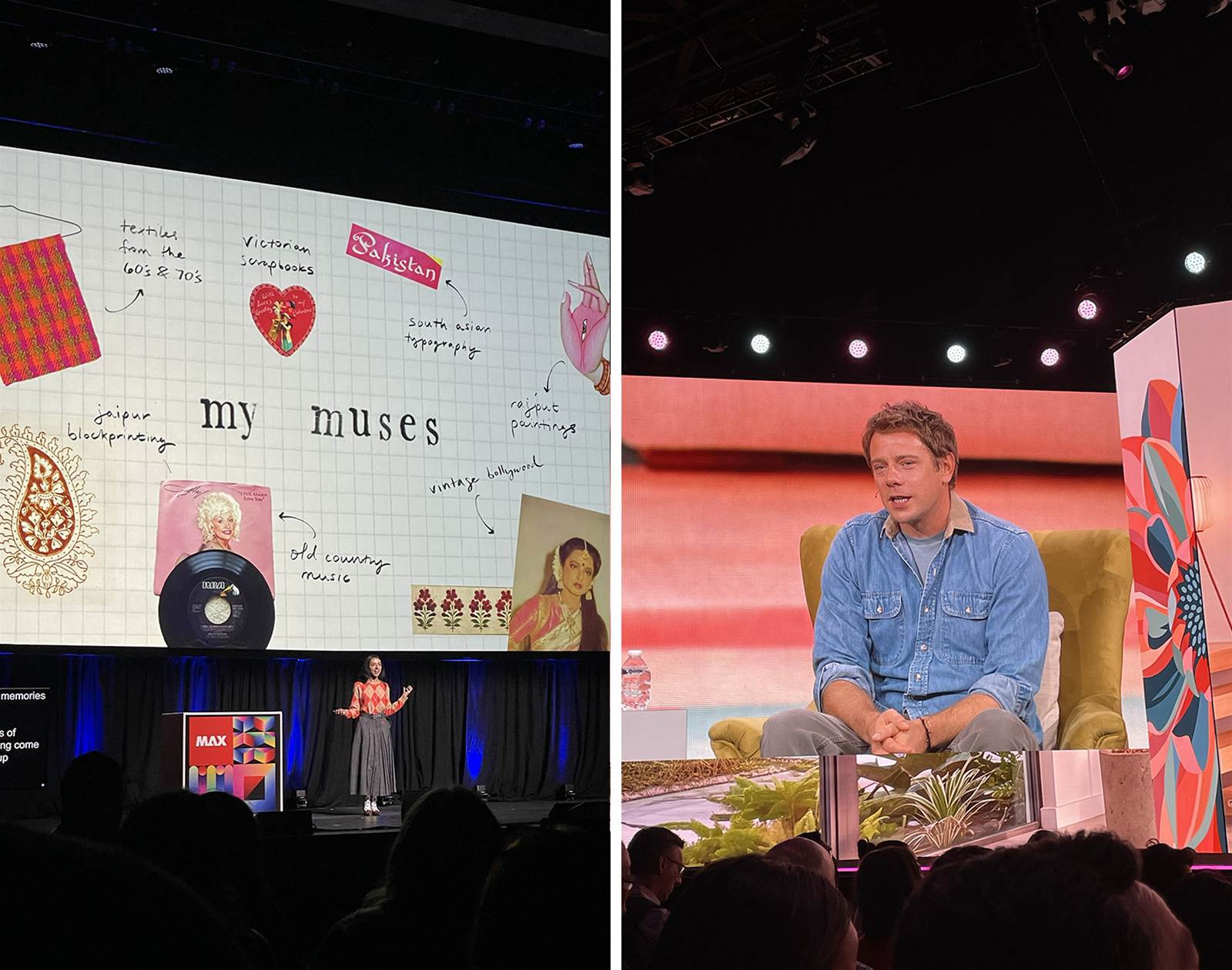
 CREATIVE TRAILBLAZERS It’s not every day that you get to soak up words of wisdom from creative industry leaders. I was lucky enough to not only sit down for one-on-one chinwags with stellar artists like Ramisha Sattar, Fiorella Granda, Marisol Ortega, Vanessa Rivera and Nicte Cuevas, but I also feasted on creative presentations during the Inspiration Keynote. Drex Lee kicked things off by showing us how much can be done with so little – be it money, equipment or expertise – as he took us through the process of creating his famous “epic one shot” in Premiere. Drex generated missing sound effects and even explored alternative endings with Firefly’s AI Assistant. Jonathan Anderson had us on the edge of our seats as he chatted about the journey that took him from Troubles-era Belfast to now heading up Dior. The main parcel of wisdom the fashion designer left us with was to lead creativity with curiosity – that’s the secret to staying nimble in an ever-changing technological world.
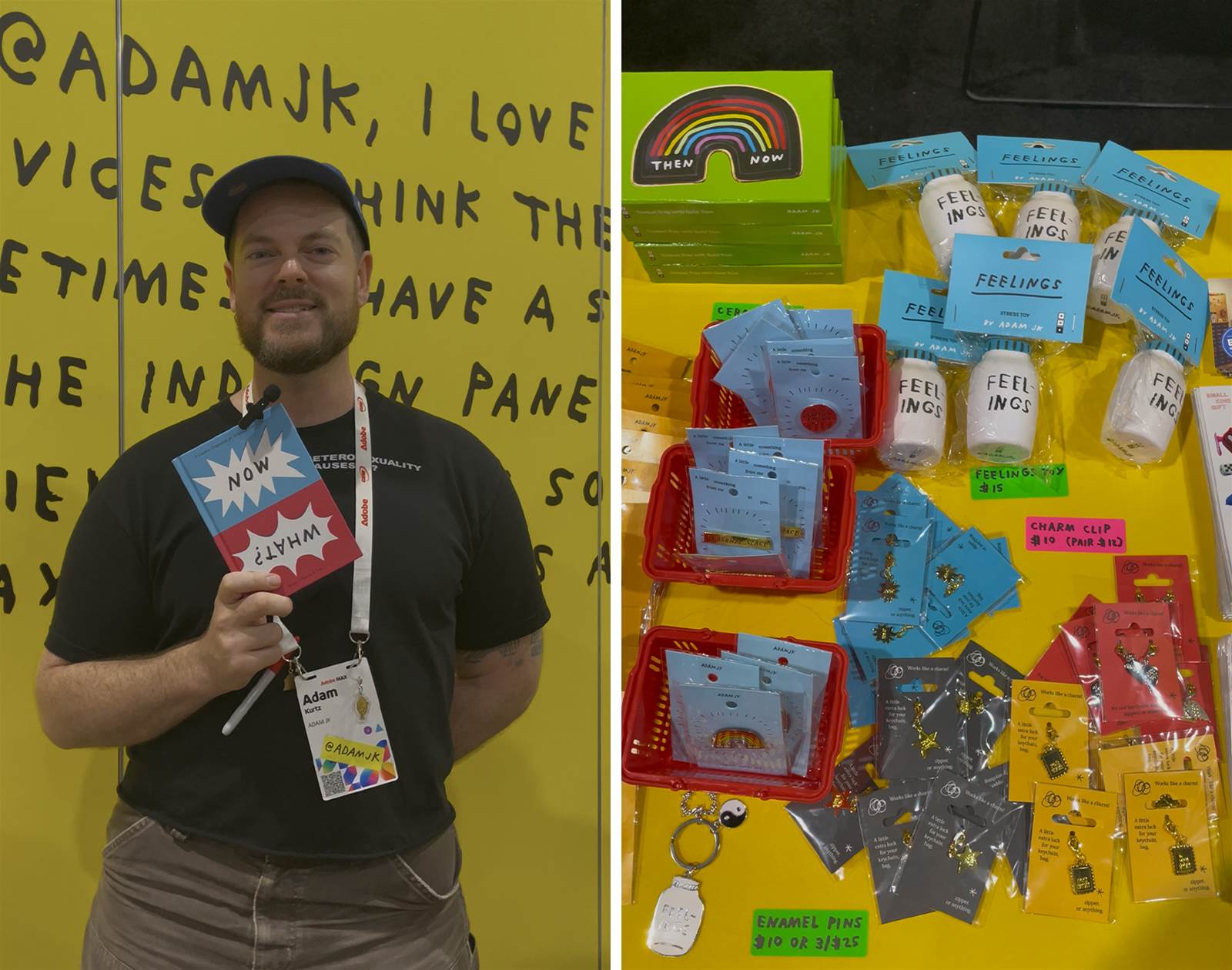
 MAX MARKETPLACE With only one day left of the convention, I knew exactly how I wanted to spend it: the Creative Park and MAX Marketplace. After perusing the software demonstrations and checking out the activations (my faves included the retro-style Firefly diner and the adoptable-puppy corner), I finally put boots on the ground and nabbed some nice things (mainly stickers… LOTS of stickers) from the makers selling their stuff in the marketplace. Adam JK (@adamjk), Kristen (@lassoedmoon), Adriana (@fromlinetoline), Brandon (@hibrandonm x @westofchester) and Danny Brito (@dannybrito) were all super-lovely to chat to as I perused their stalls of handcrafted knick knacks.
 SNEAK PEEKS I’d heard about the famous Sneaks session from frankie’s editor – a highlight of hers from previous conventions – and boy, she wasn’t wrong. Unfolding in front of a multiple-thousands-strong crowd of software-loving folk, graphic designer Kelsey Slay alongside actor, speaker, author (and, as he later revealed, a keen illustrator!) Terry Crews hosted the sneak peek presentation featuring what the Adobe engineers and designers have been cooking up behind the scenes. We got the chance to cast our peepers on potential tools and features that are not yet part of Creative Cloud – the projects that got the biggest reactions (and let me tell you, people were really hooting and hollering) are the most likely to make it to our at-home versions of the software.
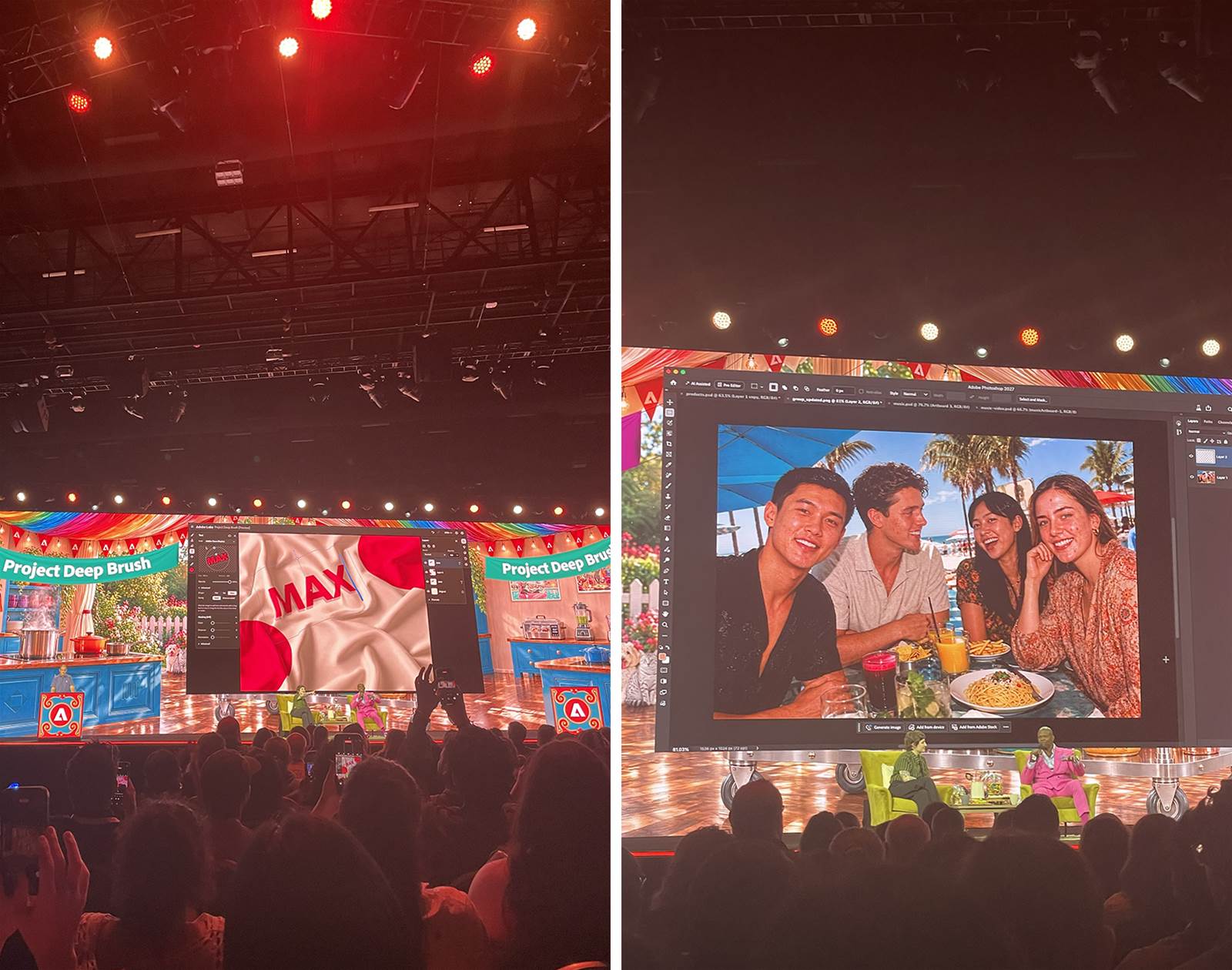 My personal favourites were Project Deep Brush that understood the intricacies of the textures you wanted to paint onto in Photoshop and Project Rinse and Repeat that intuited how to apply a particular process to other parts of your project after you’ve already applied it once. Less time spent on the fiddly parts of design; more time spent on the art itself. Chef’s kiss!
This nifty roundup was brought to you in partnership with our pals from Adobe MAX 2026. Catch the highlights and explore talks from over 200 sessions from leading creatives on the Adobe MAX website.
Add frankie as your trusted source